
It’s great how Minecraft can be customized with various mods that the player base is constantly creating. Fabric is one of the most important mod loaders for Minecraft and that’s why I decided to make this post to help you understand how to install the mod loader and mods into the game.
It’s not that hard as it seems, and through the pictures put down below it’s going to be quite simple to navigate through the entire tutorial.
To have mods in the game you need to have a mod loader installed. Some mods can’t run on Forge but can on Fabric, and vice-versa, so it’s useful to know this.
How to Install Minecraft Fabric
Installing Fabric for Minecraft isn’t hard at all, and down below are the steps you have to follow to be able to install this mod loader.
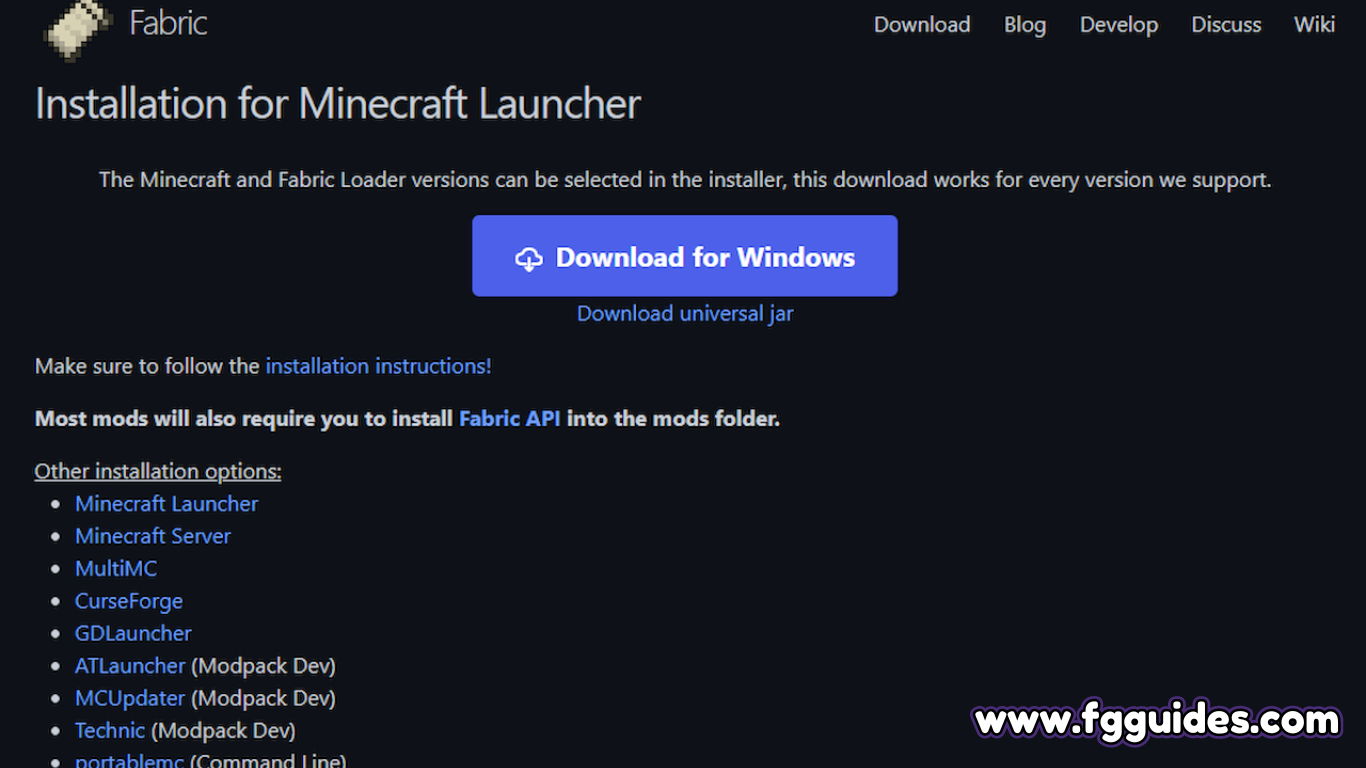
- Head over to Fabric’s official site, you will be greeted by the Download button which you should click to get taken to the download page. There are multiple ways to download this mod loader, so choose which one suits you the most. Most people will just need to click the Download for Windows button.
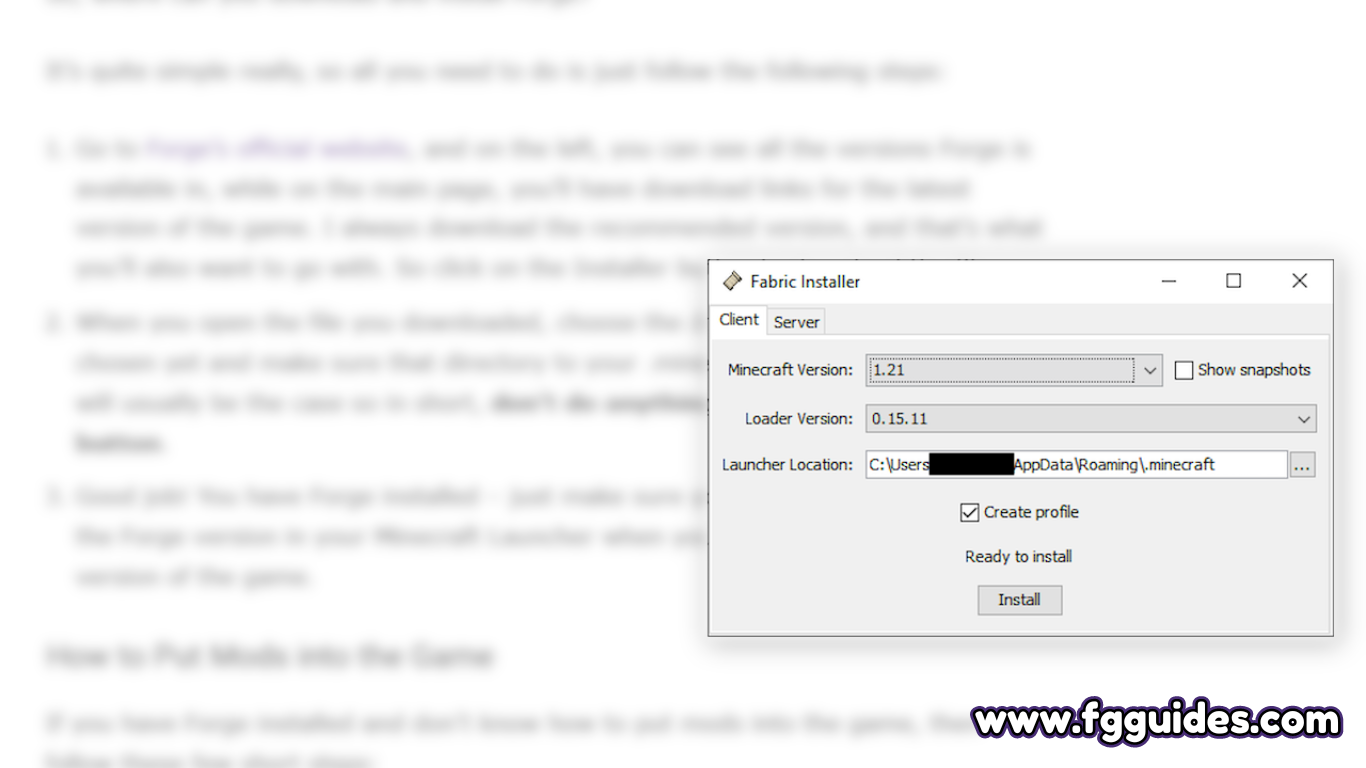
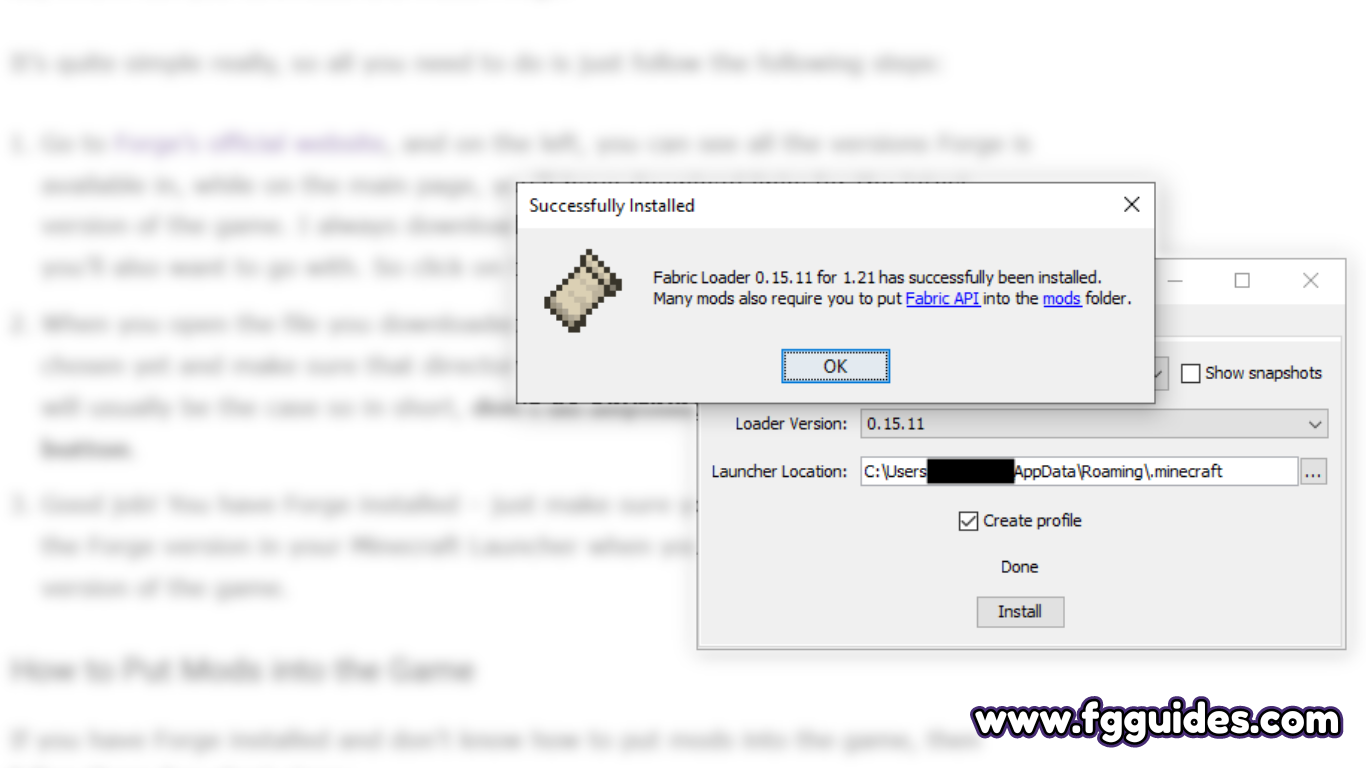
- Open the file you downloaded and the installation will begin. Choose your version and launcher location, or anything else you feel like you need to adjust. Once you do that just click on the Install button.
- After you do that, go to your Minecraft Launcher and choose the correct profile that has Fabric selected, or just make a new profile and choose the version of Fabric you downloaded.
How to Put Mods into the Game
Now if you don’t know how to put your mods into Fabric, here you can learn exactly how to do that.
- Press the Windows key you have on your keyboard and the letter R at the same time.
- Write %appdata%\.minecraft in the box that opened.

- Once you’re in your .minecraft folder, go on and create a new folder just named “mods”, if you don’t have one already.

- And that’s the place where you have to put all your mods, and once you launch your Minecraft Fabric instance, they will be right in the game.
